Plan further ahead
19% lowerforecast error
See six months ahead.
Lower error than using last month’s sales to forecast six months ahead.
Review seasonal demand, stock coverage, and incoming supply in one place. Use Demand ESP to inform your next reorder, then use Sparki in app or your own AI assistant over MCP to prepare a draft for your review.
Agentic onboarding · recommendations with reasoning · your team approves
Plan further ahead
Lower error than using last month’s sales to forecast six months ahead.
Put inventory to work
Less inventory than last-month forecasting, at the same 98% fill rate.
Get value sooner
From export files to a working forecast with Sparki or your own AI assistant.
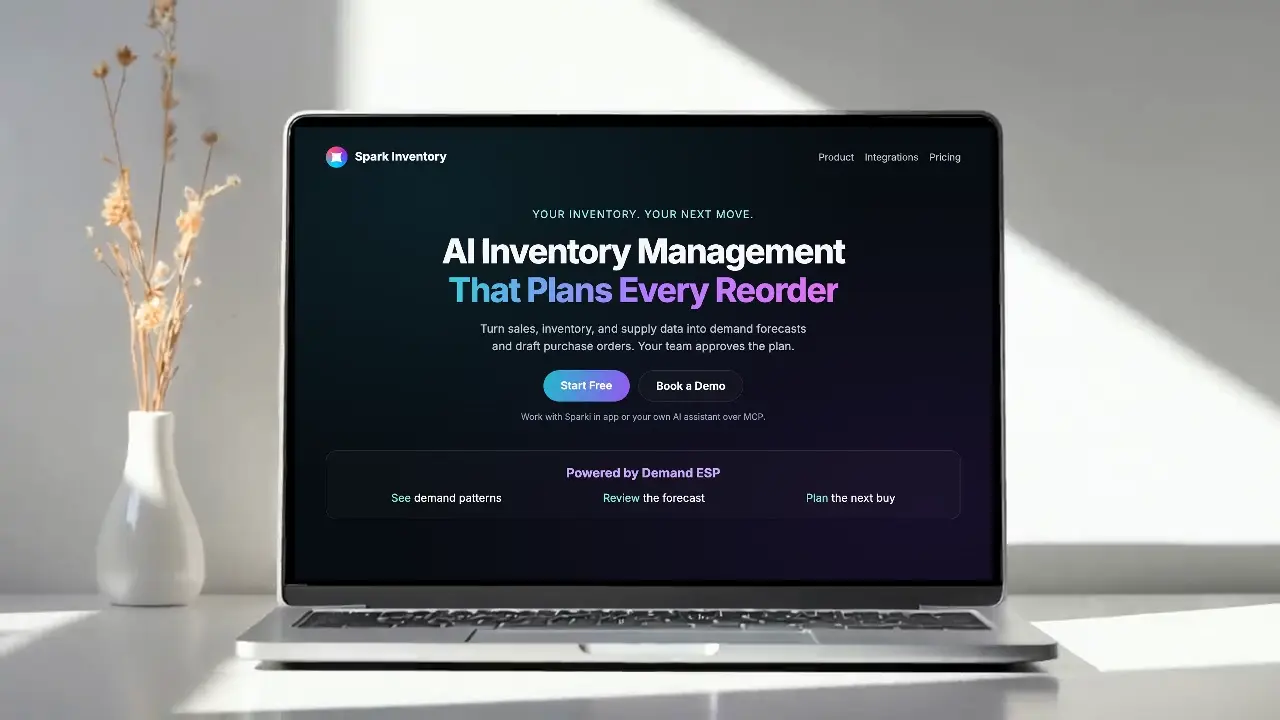
Powered by Demand ESP
Demand ESP reads each item’s demand pattern and automatically selects a forecasting method. See the method chosen and the history behind your forecast.
Forecast and inventory results from public-data testing.
The 19% and 12% figures were measured in September 2026 on an earlier version of our forecasting engine.
Demand ESP selects statistical methods for steady, trending, seasonal, and intermittent demand, using the available sales history and fallbacks for limited data.
In an inventory simulation using 400 Iowa public-data items, average on-hand inventory cost was approximately $4.12M for Spark Inventory versus $4.67M for last-month forecasting at an interpolated 98% fill rate. Both used the same order-up-to policy, a 14-day lead time, lost sales, and a uniform $12 unit cost.
Retrospective testing on 799 Iowa items found six-month pooled weighted absolute percentage error (WAPE) of 22.0% for Spark Inventory versus 27.1% for last-month forecasting, a relative reduction of approximately 19%.
Measured from customer export files to a working forecast. Setup time varies with data readiness and scope.
Connect the commerce and accounting tools you already use




.svg)


See the sales, stock, lead-time, and policy signals behind every recommendation, then decide what your team wants Spark to do next.
Spark turns the signals already inside your business into an explainable risk window and a purchasing decision your team can approve.
STEP 01
Bring sales history, stock, incoming supply, and lead times into one planning view.
INPUT SIGNALS
SIGNAL COVERAGE
Demand + supply
Explainable inventory control
Spark connects the demand evidence, supply position, timing, and purchasing workflow behind every replenishment recommendation.
Compare recent velocity with historical demand, current stock, incoming supply, and lead times to surface the risk window early.
Demand analysis, forecast, and stock-insight tools
See the demand and inventory evidence behind each recommendation.
Demand evidence and readiness gates
Preview quantities and supplier context, adjust when judgment is needed, and approve the purchase action with a decision record.
Governed preview, approval, and PO lifecycle
Decision trace
Projected coverage gap
Timing by SKU and location
Velocity + lead time + supply
Inputs remain visible
Draft purchasing plan
Reviewed before execution
The replenishment operating layer
Stockout prevention works when demand changes, current coverage, incoming supply, supplier timing, and the approved response live in one traceable workflow.
Combine on-hand inventory, recent velocity, forecast demand, incoming supply, and lead time to see when each SKU becomes exposed.
Risk has a date and a cause
Move beyond a low-stock alert to a proposed quantity, supplier context, timing, and the evidence that changed the recommendation.
Alert becomes a plan
Evaluate the stockout risk alongside overproduction, carrying cost, order cadence, and the inventory already on the way.
Availability and cash considered together
Let Spark prepare the action while buyers review exceptions, adjust judgment calls, and approve what actually reaches the supplier.
Human-approved execution
Static thresholds can tell a buyer that stock is low. Spark connects the changing evidence needed to decide what to do next.
| Decision layer | Static reorder workflow | Spark replenishment workflow |
|---|---|---|
| Demand | Fixed average or manual forecast | Recent velocity and forecast context remain visible |
| Supply | Lead time entered once | On-hand, incoming, supplier, and timing considered together |
| Output | Low-stock alert or reorder point | Reviewable quantity and timing with evidence |
| Execution | Buyer rebuilds the PO manually | Draft purchasing action moves through approval |
Promotions and demand events
A forecast that reacts to your business, not only to past sales. The Demand Calendar in Demand ESP holds the campaigns, discounts, email and SMS sends, price changes, launches and wholesale orders that move demand. Once you add an event to the forecast, purchasing suggestions include it.
Add an event with its dates, products and offer, or confirm one Spark found in your connected tools. Spark suggests the expected effect as a likely range, and the event joins the forecast when you add it. Drafts don’t change the forecast or purchasing.
Each event gets a stock check. If a product runs out before the event ends, you see what is on hand, what is needed, when it runs out, and an order-by date based on the supplier’s usual lead time.
When the event ends, compare what you expected with what happened. The result goes into the track record for that event type, so the next suggestion for it starts from what you learned.
What’s affecting demand
Campaign
Email & SMS send
Discount or sale
Price change
Product launch
Wholesale order
Stock runs out before this event ends
Fall tee sale · 1 product runs out, the first around Oct 21.
Classic Tee, Black, M
Order 60 by Oct 12Expected 20%, got 17%
Summer tee sale · Ended Aug 31 · Discount or sale
What Spark learned
Your Discount or sale events came in 3 points under the expectation. Future suggestions for this type now start a little lower.
Slow mover markdown
When an item has stock but no recent sales, Spark can propose a markdown in Spark Signal. You set the price and see what waiting costs. The item price does not change until you approve it.
Dad Cap, Olive
What waiting costs
Set the price
27% below the current price.
Bring storefronts, marketplaces, accounting, payments, fulfillment, and more into one operating view. Start with guided setup and keep every system current with real-time sync.
See All Integrations


Forecasting FAQ
Clear answers about the signal, the approval model, historical data, and how quickly the first plan becomes useful.
Spark combines SKU-level sales history, changing velocity, current and incoming stock, supplier lead times, and inventory policy. It shows the risk window and the reasoning behind the recommended action.
Spark prepares the recommendation and draft purchase order. Your team can review the evidence, change quantities, and approve before anything is sent or committed.
Yes. The same demand and supply model identifies inventory accumulating faster than expected, changing velocity, and cash tied up in stock that is unlikely to move on the current plan.
Bring the reliable history you have. Twelve months or more is ideal for a stronger seasonal signal, and Spark can use up to the latest 36 months during onboarding.
Sparki or your own AI assistant over MCP can inspect, map, repair, and validate the data you already have. Once the forecast foundation is ready, Spark can surface the first planning recommendations without a traditional migration project.
Bring your actual sales and inventory signal. Spark will show the risk, the recommendation, and the reasoning your team can review.
Free for one user, refreshed monthly · human-approved actions